The complete shoe
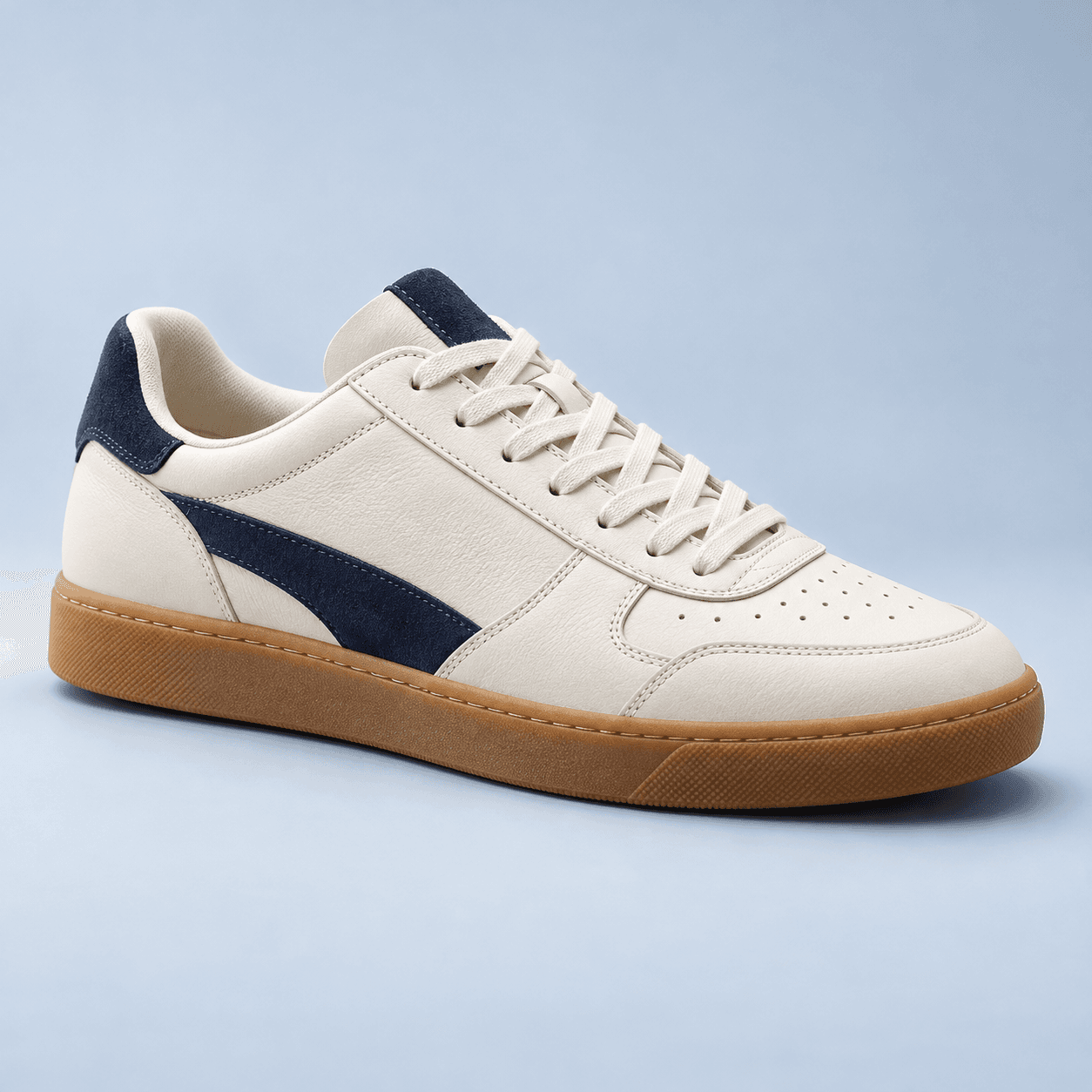
A side view keeps the silhouette, sole and upper in the same frame.
 LegitScope
SNEAKER LEGIT CHECK
Explore shape, labels and construction with an AI-assisted sneaker assessment. Start with your own photos and follow the details that need another look.
Visual AI estimate. Not a certificate or purchase guarantee.
01 / BRING THE DETAILS
Start with at least one photo. Each submission supports up to four images; you do not have to fill every slot.
A side view keeps the silhouette, sole and upper in the same frame.
Keep model references and small text sharp, with no glare.
Choose a close-up that adds a new detail rather than repeating the first photo.
A readable box label adds context, but is not proof by itself.
02 / A CLOSER PERSPECTIVE
You do not have to fill every photo slot or know the brand before beginning. Start with what you have. More useful angles can add context, but more images do not automatically mean a reliable answer.
If a label is hard to read, add a clearer image in the same conversation. If you can read the model text yourself, type it. Keep follow-ups focused on the same pair; usage limits apply.
Used shoes, lighting and manufacturing variations can change how a detail looks. LegitScope can flag visible inconsistencies, but cannot physically feel materials or verify the product’s provenance.
03 / IN THE APP
Selecting a photo does not automatically start analysis. Review your images and explicitly request the assessment when ready.
Add from the camera or gallery. Crop, review and confirm.
Read the findings. Add a relevant detail in the same chat when needed.
Return to photos, the result and conversation in history and collection.
04 / GOOD QUESTIONS
No. A convincing logo or matching label does not establish authenticity. Read the combined findings and any unresolved details.
Only share photos you have permission to use. Seller images may not represent the exact item you receive. Taking your own photos adds useful context.
ANOTHER PERSPECTIVE
LEGITSCOPE
Start with three free scans. Follow-up limits and plan terms apply.
App & availability ↗Explore usage allowances →